Artificial CornerMembers
HomeLog in
Video series · For total beginners
The Claude Shortcut
The shortest path to real work with Claude. Season 1 is Claude from zero: three recorded sessions where I teach Diana, a real beginner, on her own computer.
 Frank Andrade, your teacher
Season 1: Claude from zero
3 sessions · watch them in order 37:20
Claude basics
What Claude is, which model to pick, and the three levels every Claude user moves through.
 37:36
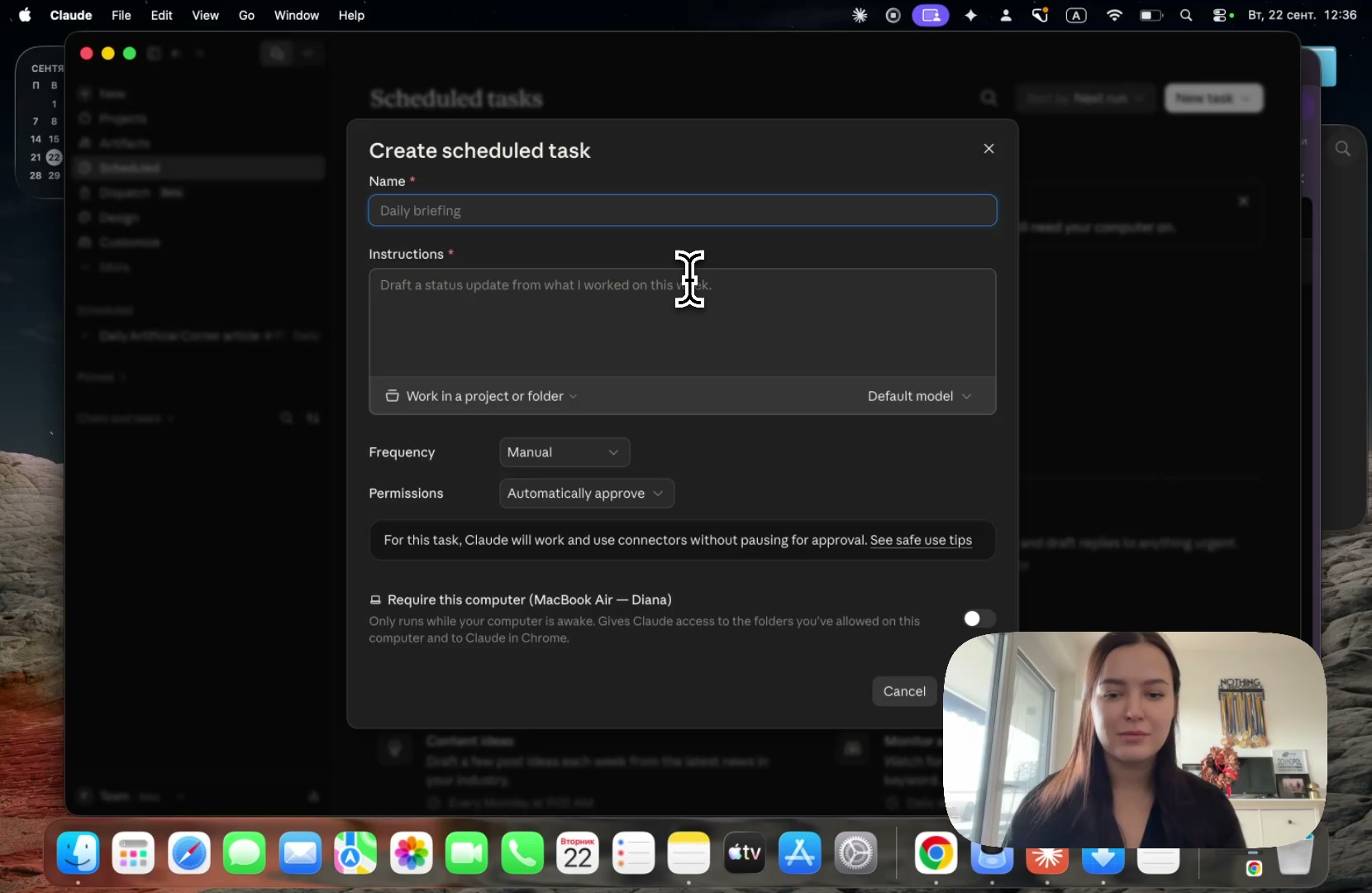
Claude Cowork
The three features behind every automation. Claude does the clicks, remembers how, and repeats them while you sleep.
 54:16
Claude Code
Open Claude Code in the app you already use, keep it safe, and give it a task Claude refused.
The 20% of Claude for 80% of your work
The few features that carry most of the load, and nothing else. No date yet.
Why learn next to a real beginner
Most Claude tutorials are recorded by someone who uses Claude every day. They know too much. They skip the steps that feel obvious, they forget the questions you have on day one, and their computer is already set up, so the errors you will hit never show up on screen.
So I sat down with Diana. She is a physiotherapist with no technical background, and we recorded everything on her own computer. Every problem in these sessions is a real beginner's problem, and we solve it together on camera.
My free 20-lesson Claude course is the long road. This is the short one: the minimum you need to get real work done with Claude.